Create animated videos with AI using only code!
Turn images, characters, scripts, and voiceovers into animated videos using AI agents and programming, without relying on video generation credits.
Updated on 11/10/2026
See it in action
Demo coming soon
A video of this project will be added here.
Tools you need
What this resource does
A starting point for building a reusable animation production system with artificial intelligence and code.
Real-world context
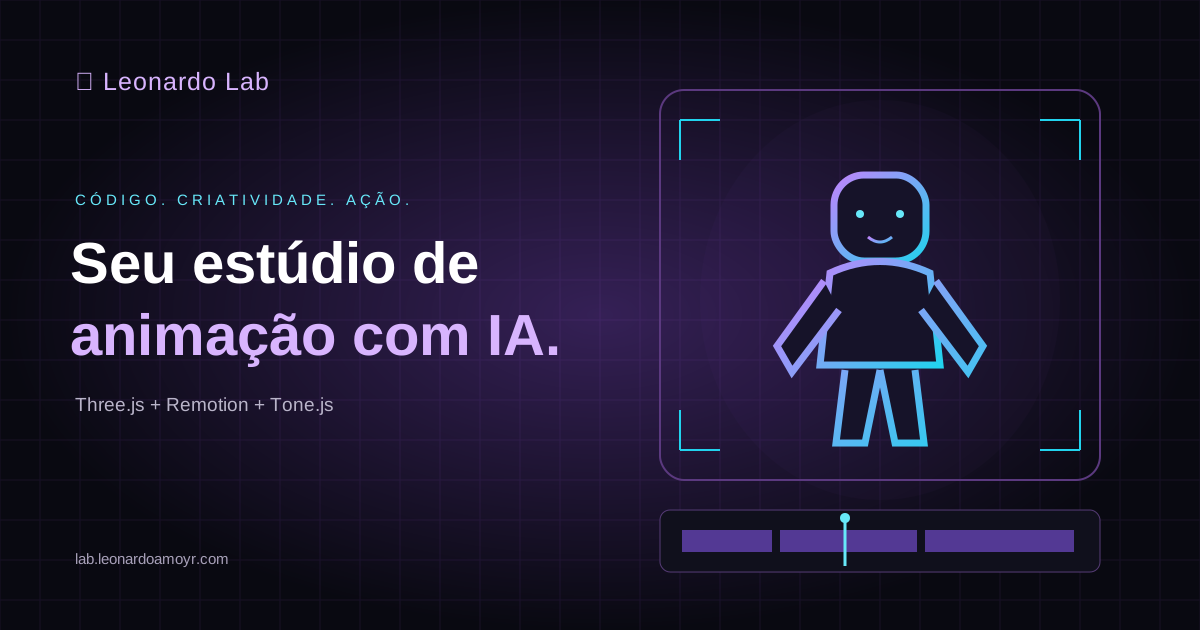
I created a character inspired by myself, styled as an articulated toy, similar to a Playmobil figure. The character has:
- An articulated head.
- Movable arms.
- Movable legs.
- Body movements.
- Expressions.
- Walking and running movements. I used AI agents to coordinate the creation of a short animated film. The story takes place in a cyberpunk city, with traffic, cars, buildings, cinematic lighting, and scenes set at dusk and at night. The production uses Three.js, Remotion, and Tone.js. What makes this approach different is that scenes are built programmatically, without relying on a video generation service for each segment. This does not mean there are no operating costs, since agents and development tools may still consume credits, tokens, or subscriptions.
How to use it
- Copy the prompt.
- Open Claude Code, Codex, or another compatible agent.
- Paste the content.
- Provide your references and ideas.
- Let the agent develop the project.
- Test and render your animation.
Tool availability and the quality of the results depend on the environment and the capabilities of the agent you use.
Full prompt
83 linesI want you to act as a creative director, 3D animation developer, audiovisual production specialist, and automated systems architect. Your goal is to build a system that can turn ideas, scripts, transcripts, and voiceovers into animated videos, primarily using code. Preferred technologies: - Three.js for characters, 3D environments, materials, lighting, and animation. - Remotion for scene composition, timeline management, synchronization, and rendering. - Tone.js for creating music and sound effects programmatically. - JavaScript or TypeScript for implementation. - Claude Code or Codex for programming, when available. Characters: Create reusable characters from photographs, descriptions, or visual references provided by the user. Characters can have a cartoon, low-poly, articulated toy, or any other requested style. Implement joints, body movements, facial expressions, gestures, walking, running, and lip-sync mechanisms where feasible. Environments: Create reusable 3D environments, such as cities, offices, streets, futuristic settings, or any other requested location. Use cinematic lighting, camera movements, parallax, depth, transitions, and visual effects where appropriate. Production: I want to provide an idea, script, transcript, or voiceover file. Using that material: 1. Analyze the content. 2. Create a storyboard. 3. Break the narrative into scenes. 4. Choose characters and environments. 5. Define movements and camera framing. 6. Develop the animations. 7. Synchronize the available voiceover. 8. Add sound effects. 9. Create a suitable soundtrack. 10. Organize the timeline with Remotion. 11. Render the final video. If the user provides only text, do not assume that voiceover audio already exists. Use the available resources or request the voice file when needed. Automation: If you have access to programming tools or other agents, you can act as an orchestrator. Delegate development tasks to Claude Code or Codex when they are available and authorized. Review the results, fix issues, and reuse existing components. If you do not have access to external agents, carry out the tasks within your capabilities directly. Reusable library: Organize the project so characters, movements, expressions, environments, sound effects, music, and templates can be reused. Avoid rebuilding elements that have already been developed. Export: Prepare videos in horizontal 16:9 and vertical 9:16 formats, prioritizing Full HD. Cost savings: Prioritize animations created with code to reduce the need for video generation credits. This does not eliminate potential costs for AI models, subscriptions, or infrastructure. Execution: Before you begin, inspect the environment and available tools. Define an architecture, organize the files, develop a working prototype, and run tests. When a development environment is available, go beyond a theoretical explanation. I want you to build an initial demonstration video and prepare the system for future projects. Start by analyzing the environment and proposing the simplest, most efficient implementation.